Features
Every switch, and what it costs
SayEcho has a lot of settings because dictation is personal. Here is what each one does — including the ones with a real trade-off attached.
Capture
Getting SayEcho listening.
Three ways to start a dictation, from most deliberate to entirely hands-free. Nothing is captured until one of them fires.
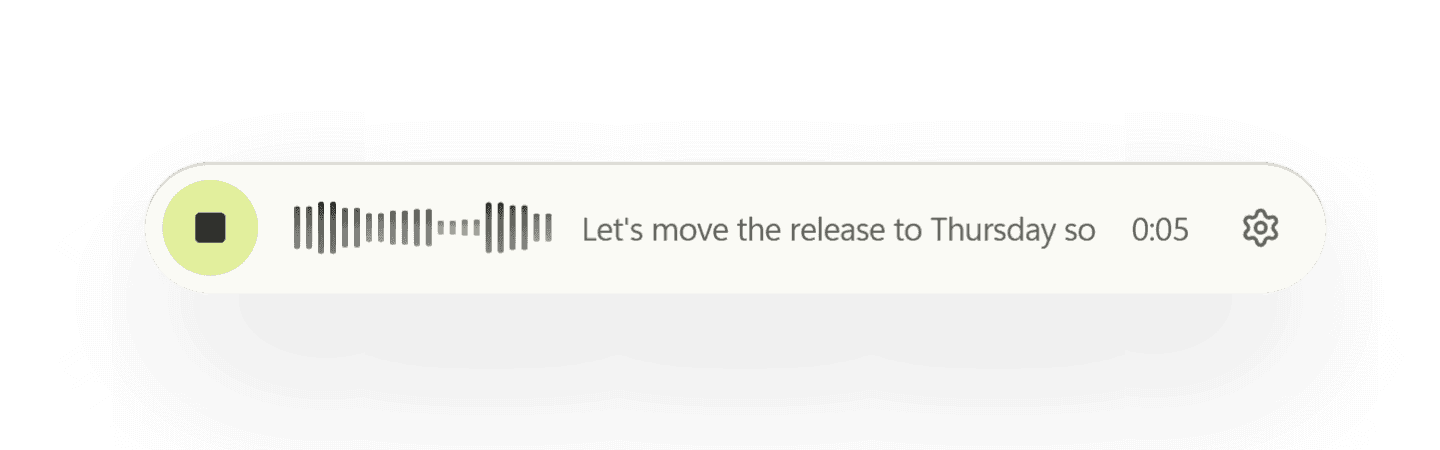
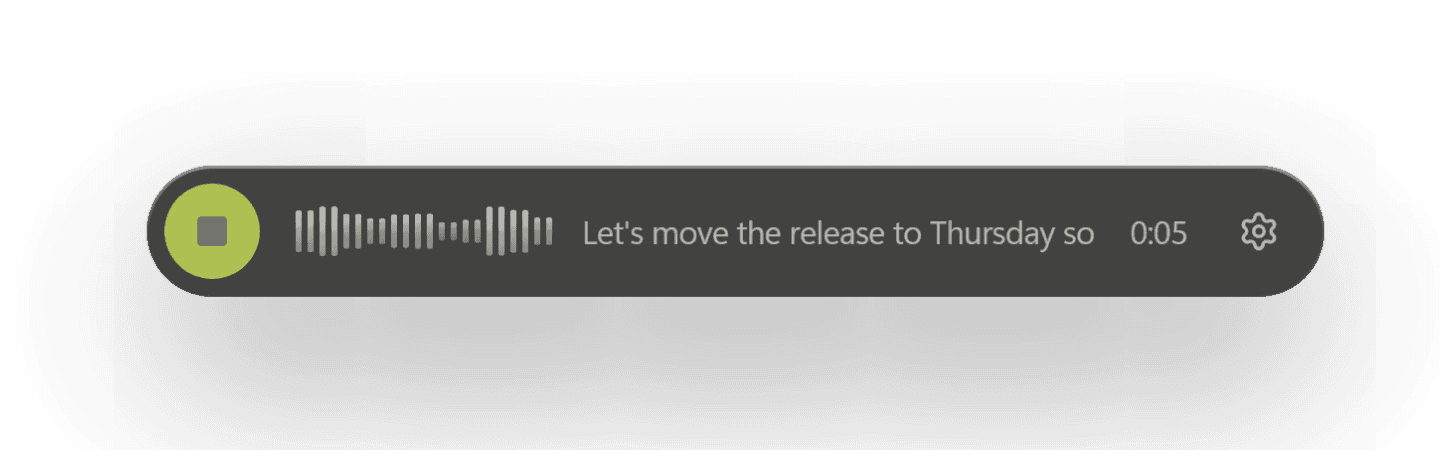
cmd/ctrl + shift + space
The hotkey
The default. Press once to start, once to stop, from any app on any screen. Rebind it by pressing the chord you want — if another app already owns it, SayEcho says so instead of failing silently.
silero vad
Auto mode
Arm it once and keep talking. Voice-activity detection finds the edges of each utterance and transcribes segment by segment, so a long thought doesn't need a button held down.
openwakeword · opt-in
Wake word
Say a phrase and start dictating with your hands still on the keyboard. Ships with Hey Jarvis, Alexa, Hey Mycroft, and Hey Rhasspy; a custom phrase is an .onnx file you train and import.
the honest part
What armed listening costs
Your OS microphone indicator stays lit the whole time — correctly, because the mic really is open. Sensitivity trades false accepts against false rejects, and no setting removes both.
Transcription
Turning sound into words.
Local by default. Cloud only if you go and ask for it, with your own key.
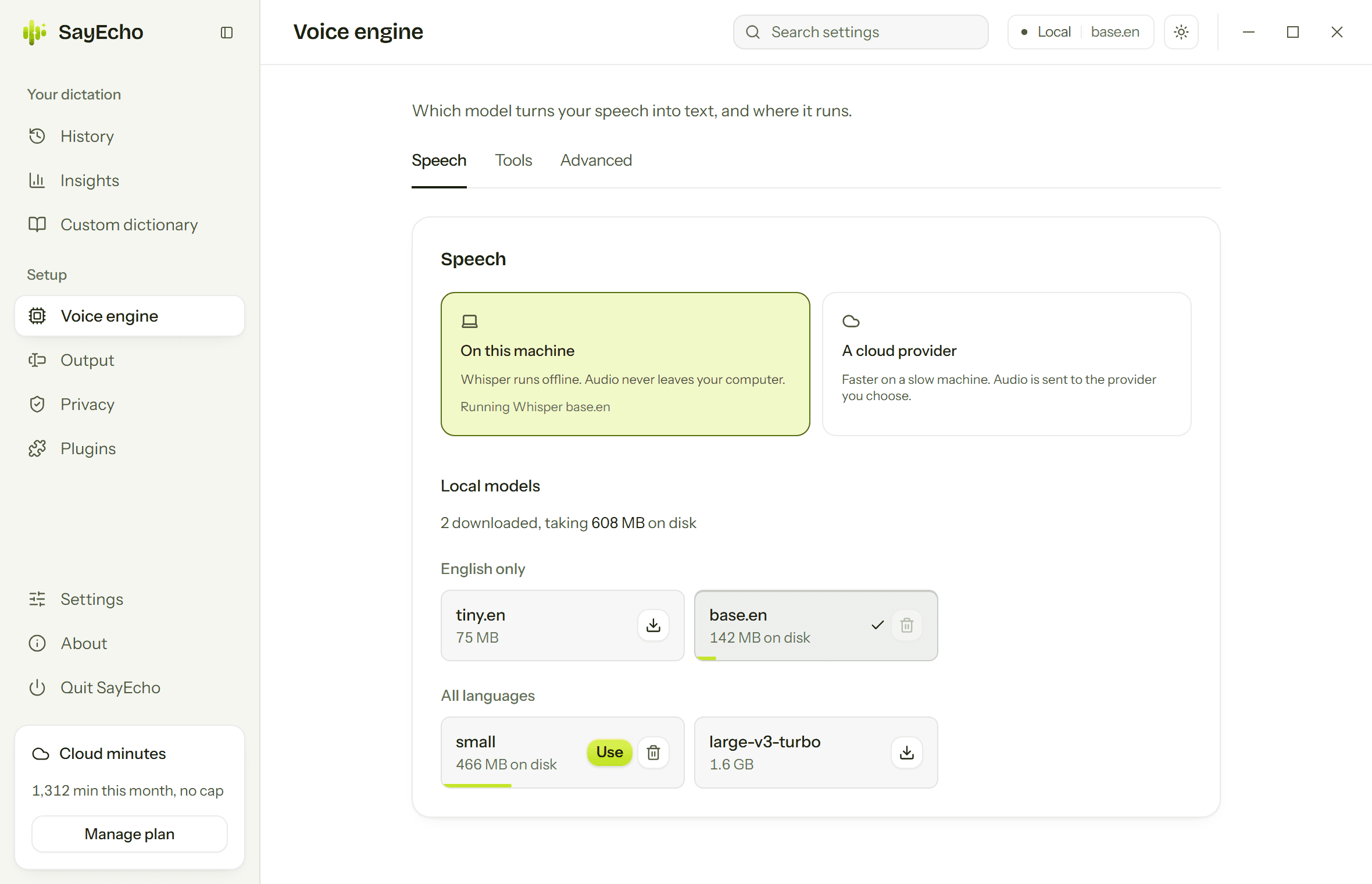
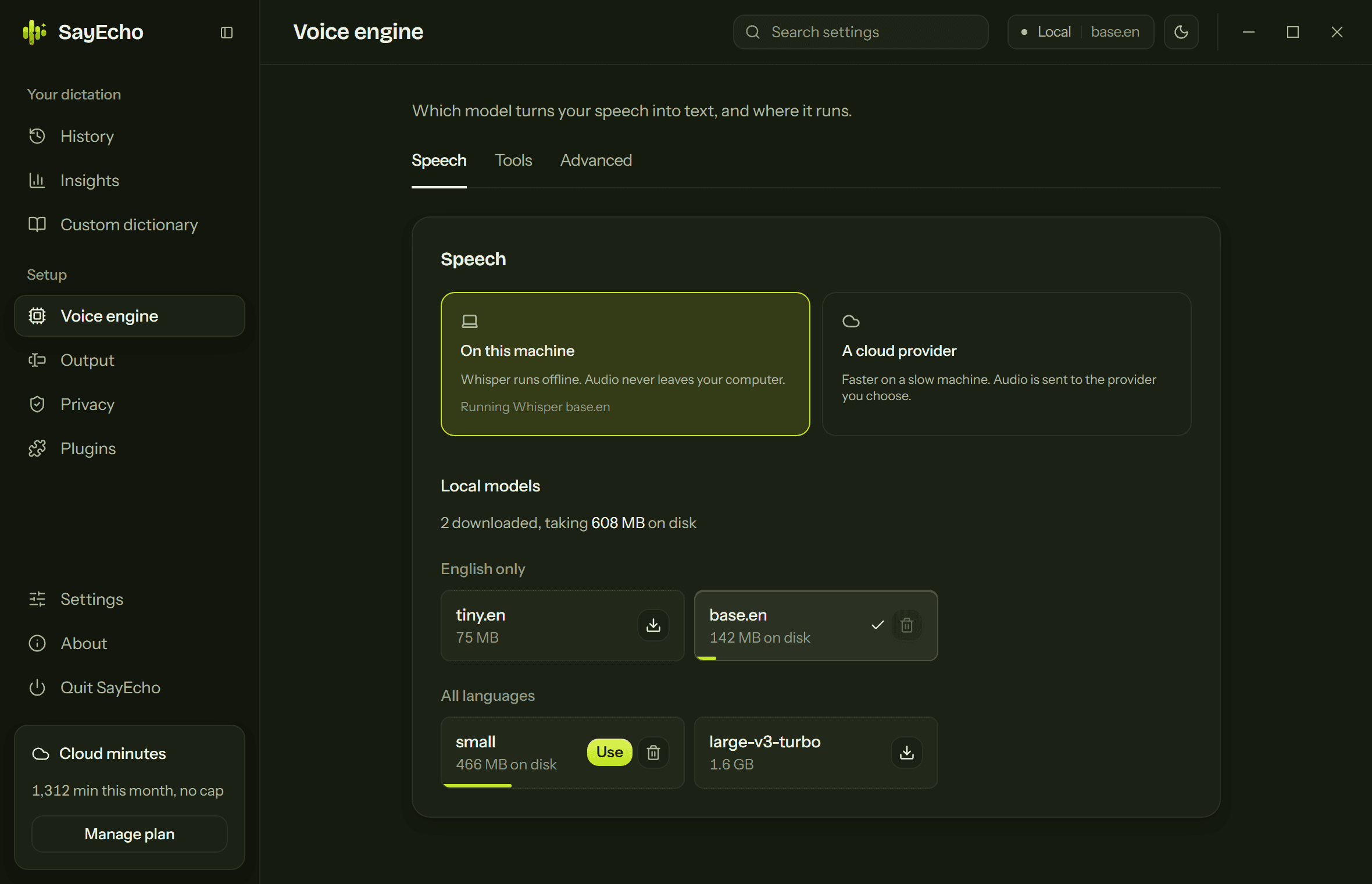
whisper.cpp
Local Whisper
Runs on your CPU with no account and no connection. Pick a model size that fits your machine — tiny for instant, larger for accuracy — and SayEcho downloads it once.
ten providers · byok
Bring your own key
Prefer a hosted model? Add a key and SayEcho routes to it — OpenAI, Groq, Deepgram, Mistral, ElevenLabs, AssemblyAI, Speechmatics, Azure or Google. The key goes into the OS keychain and is never handed back to the interface that stored it. SayEcho adds no markup and takes no cut.
openai-compatible
Or your own endpoint
Point SayEcho at anything speaking the OpenAI transcription API: a LiteLLM proxy, OpenRouter, vLLM, or a faster-whisper server on your own machine. A local one keeps the audio on your network and still saves you compiling Whisper.
tested before you trust it
Keys you can check
One button sends a second of silence and tells you whether the key, endpoint and model actually work together — so a typo surfaces when you paste it, not halfway through a sentence. If a cloud request fails anyway, SayEcho falls back to the offline engine rather than losing what you said.
autodetect or pinned
Languages
Let Whisper work out what you're speaking, or pin the language. Pinning is faster and more accurate when you already know, which is most of the time.
replacement pipeline
Custom dictionary
Names, jargon, and code symbols corrected before the transcript is ever shown. Fix one by hand in History and you can promote that correction into the dictionary permanently.
Output
Where the text lands.
SayEcho speaks your OS's keyboard language, so the destination is simply whatever has focus.
sendinput · cgevent · xdotool
Type keystrokes
The universal method. Works in editors, terminals, browser fields, and anything else that accepts a keyboard.
clipboard + restore
Paste instead
Faster and more reliable for long transcripts: SayEcho puts the text on the clipboard, sends the paste shortcut, and puts your clipboard back. Some terminals use a different paste chord — worth checking.
foreground app
Per-app profiles
Override the insert method, the dictionary, and auto-insert for one app at a time; every field can stay on Global. Where the platform won't say which window is focused — Wayland, or macOS without Automation permission — profiles quietly don't apply.
sqlite · exportable
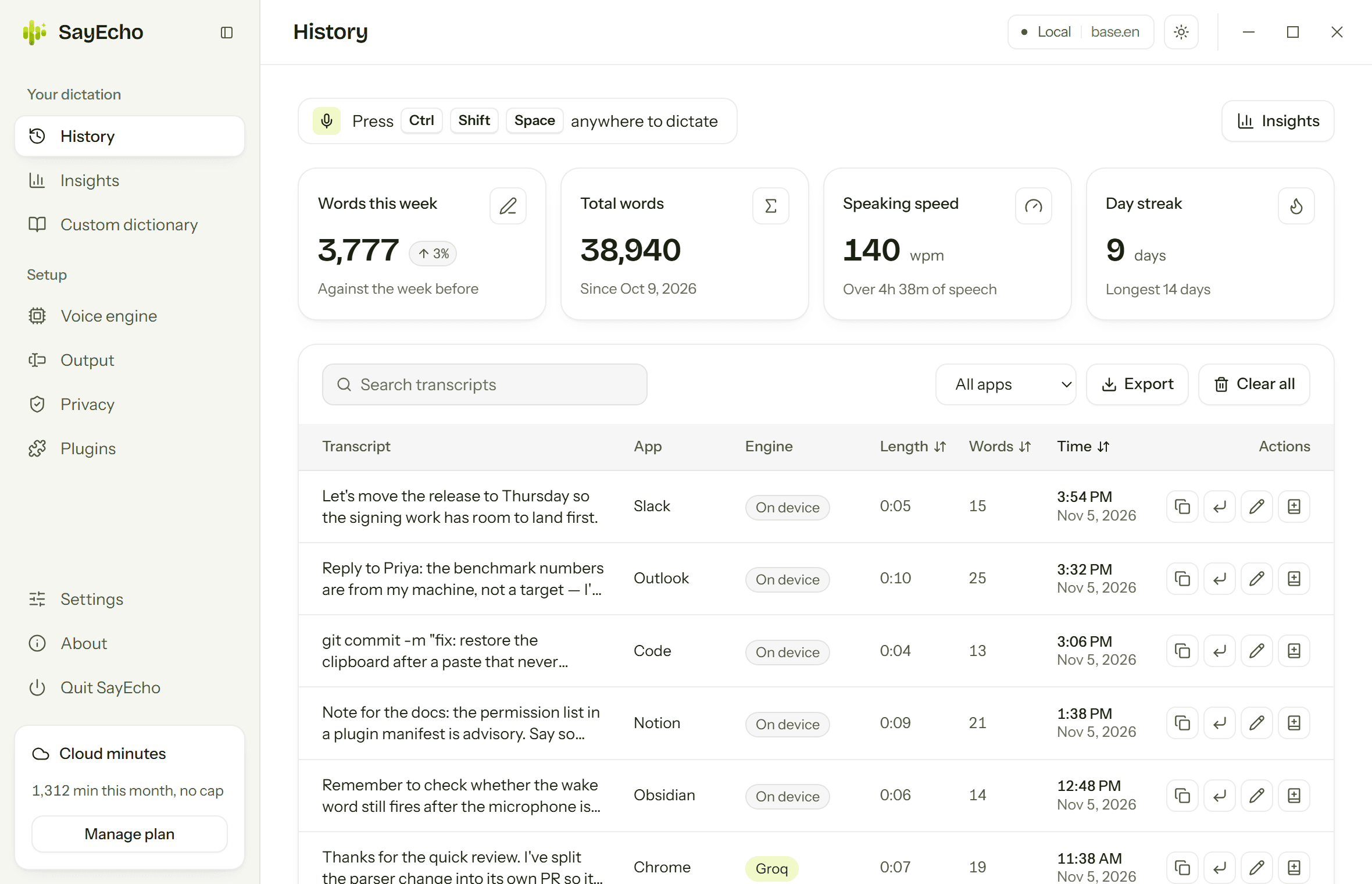
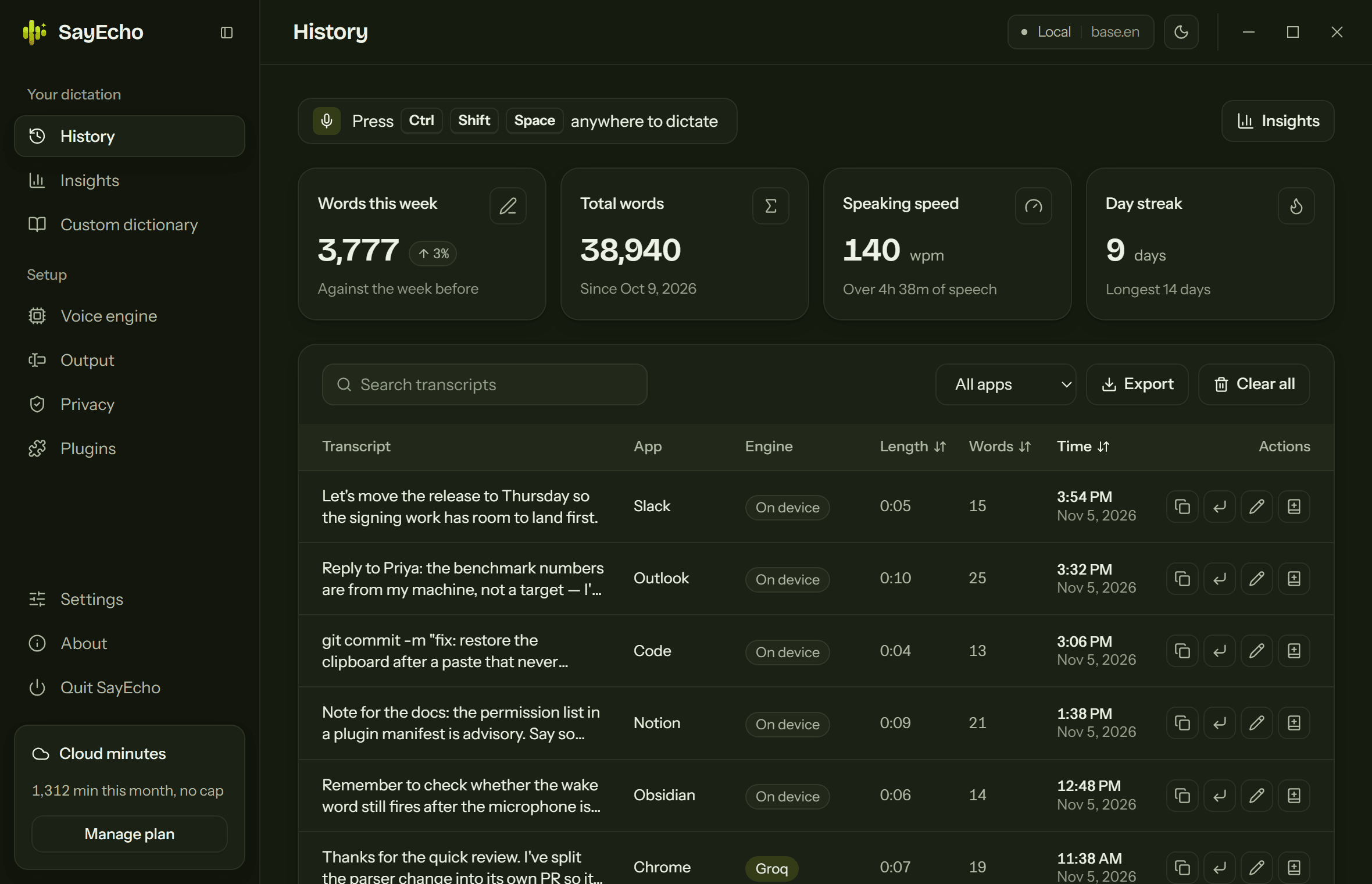
History
Every transcript, grouped by day, searchable. Copy one, re-inject it where your cursor is now, export the lot to JSON, or delete all of it.
Writing
Text that reads like writing.
What happens between hearing you and typing. Everything here works offline unless it says it needs a model.
say it as the whole sentence
Edit what you just said
Within a minute of dictating, say “make that a bullet list”, “delete the last sentence”, “change Tuesday to Wednesday” or “capitalize that”. SayEcho undoes what it typed with the app's own undo and types the new version. “Make it more formal” works too, with a model.
about 90 languages
Speak any language, type English
Say it in Hindi, Tamil, Spanish or about 90 other languages, and English is typed. Offline with a multilingual Whisper model, or on SayEcho Cloud, OpenAI or Groq.
windows and macos
Words on screen as hints
When you start dictating, the names, acronyms and identifiers already in the field steer the spelling, so a reply spells people and projects the way the thread does. It skips ordinary words and links, and never reads password fields.
about 12 seconds later
A dictionary that learns by itself
If you fix a misheard word by hand, SayEcho notices, adds the pair to your dictionary, and shows a notice with Undo.
needs a model
A tone for each app
Casual in Slack and Discord, friendly in Teams, polished in Outlook and Mail. Turn on Write like me and rewrites match your own vocabulary and sign-offs.
from a recording
Meeting notes
Transcribe a file, then get a summary, decisions, action items and open questions. Save it all, transcript included, as one Markdown file.
Beyond dictation
Instructions, not transcripts.
Two features that make SayEcho do something with your words instead of just writing them down. Both off by default.
ollama · openai
Command mode
Open a sentence with your trigger word and SayEcho sends it to an LLM instead of typing it. With text selected, the instruction is applied to that selection and the result replaces it.
echo-sdk · rust
Plugins
Native plugins can add transcription engines, output targets, audio processing, and dictionaries. Installing one shows you what it asks for first and waits for you to agree.
signed releases
Updates
SayEcho checks GitHub Releases, verifies the signature, and asks before installing. Switch the check off and it stops making that request at all.
local-only telemetry
Usage counts
Opt-in, stored in SQLite here, never transmitted. Counts and coarse metadata only — no audio, no transcript text, no window titles. Viewable and deletable.
Platforms
What each OS asks of you.
Windows
Works out of the box
Needs the WebView2 runtime — preinstalled on Windows 11.
macOS
Apple Silicon only
Grant Microphone and Accessibility on first run. There's no Intel build: ONNX Runtime publishes no Intel-macOS binaries.
Linux
X11 or Wayland
Text injection needs xdotool (X11) or ydotool with its daemon (Wayland). The AppImage needs FUSE; a .deb is attached to every release.
Wake word and command mode have their own guide — including how to train “Hey SayEcho” yourself.
Say your next email instead
Free and open source, with no account to make. Install it, press the shortcut, and start talking.
Or install from a terminal: macOS and Linux
curl -fsSL https://raw.githubusercontent.com/vedantnimbarte/Echo/main/scripts/install.sh | shWindows PowerShell
irm https://raw.githubusercontent.com/vedantnimbarte/Echo/main/scripts/install.ps1 | iexSayEcho isn’t code-signed yet, so Windows and macOS warn you the first time you open it. Here’s what you’ll see.